A free Anki alternative that makes the cards for you
Stay with Anki if you want full control: your own templates, add-ons and study without an internet connection. If you're learning the vocabulary of a language and want each card made from one word you send, free on every phone and scheduled with FSRS from the first review, PocketAnki is the simpler choice.
Open the bot in TelegramIn short
- Anki is free on computers, Android and the web. On iPhone, AnkiMobile costs $24.99 once in the US App Store.
- PocketAnki is free on every device and makes each card from one word: a translation into your language, a transcription and examples.
- Both schedule reviews with FSRS. In Anki you switch it on in the deck options; in PocketAnki it runs from the first card.
- Anki is the better pick if you study without internet, use add-ons or learn something other than a language.
| Compared | Anki | PocketAnki |
|---|---|---|
| Price | Free on computer, Android and web; AnkiMobile $24.99 once (US) [1] | better here: Free on every device |
| Who makes the cards | You type them, or download a shared deck [4] | better here: The bot, from one word you send |
| Translation into your language | Whatever you or the deck's author typed | better here: On every card, 26 native languages |
| Examples and transcription | Only if you or the deck add them | better here: On every card |
| Scheduling | FSRS after you switch it on in deck options [2] | better here: FSRS from the first card, no settings |
| Setup before the first review | Install, then build or download a deck | better here: Pick your languages and a goal in the chat |
| How reviews reach you | You open the app and work through due cards | better here: Each card arrives in Telegram when it's due |
| Study without internet and add-ons | better here: Yes: cards stay on the device; add-ons on the computer version [1] | Needs a connection, no add-ons |
Prices checked on 28 October 2026. Sources are at the end of the page.
Try it: pick a word and see the card
This is the card PocketAnki makes from one word. Pick a word, open the answer and rate it the way you would in Telegram.
Pick a word
DE: Der Termin
Transcription: /deːɐ̯ tɛʁˈmiːn/
Meaning: A scheduled time to meet or do something.
Examples:
- Ich habe morgen einen Termin beim Arzt. (I have a doctor’s appointment tomorrow.)
- Obwohl ihr Kalender schon voll war, vereinbarte sie einen weiteren Termin, um die offenen Fragen mit dem Team zu klären. (Although her calendar was already full, she scheduled another meeting to clarify the outstanding questions with the team.)
How well do you remember it?
- 🔁 Forgot — returns in 1 min Forgetting is fine: the card comes back in a minute, and keeps coming back until the word sticks.
- 😓 Hard to recall — returns in 5 min Hard to recall brings it back a little sooner than Remember.
- ✅ Remember — returns in 10 min Remember is the usual answer. Each time, the gap gets longer.
- ⭐ Easy — returns in 8 d Easy pushes the card out by several days. Use it for words you already know well.
If you answer Remember every time, roughly: 10 min → 2 d → 11 d → 6 wk → 23 wk
The word doesn't carry over from this page: just send it in the chat.
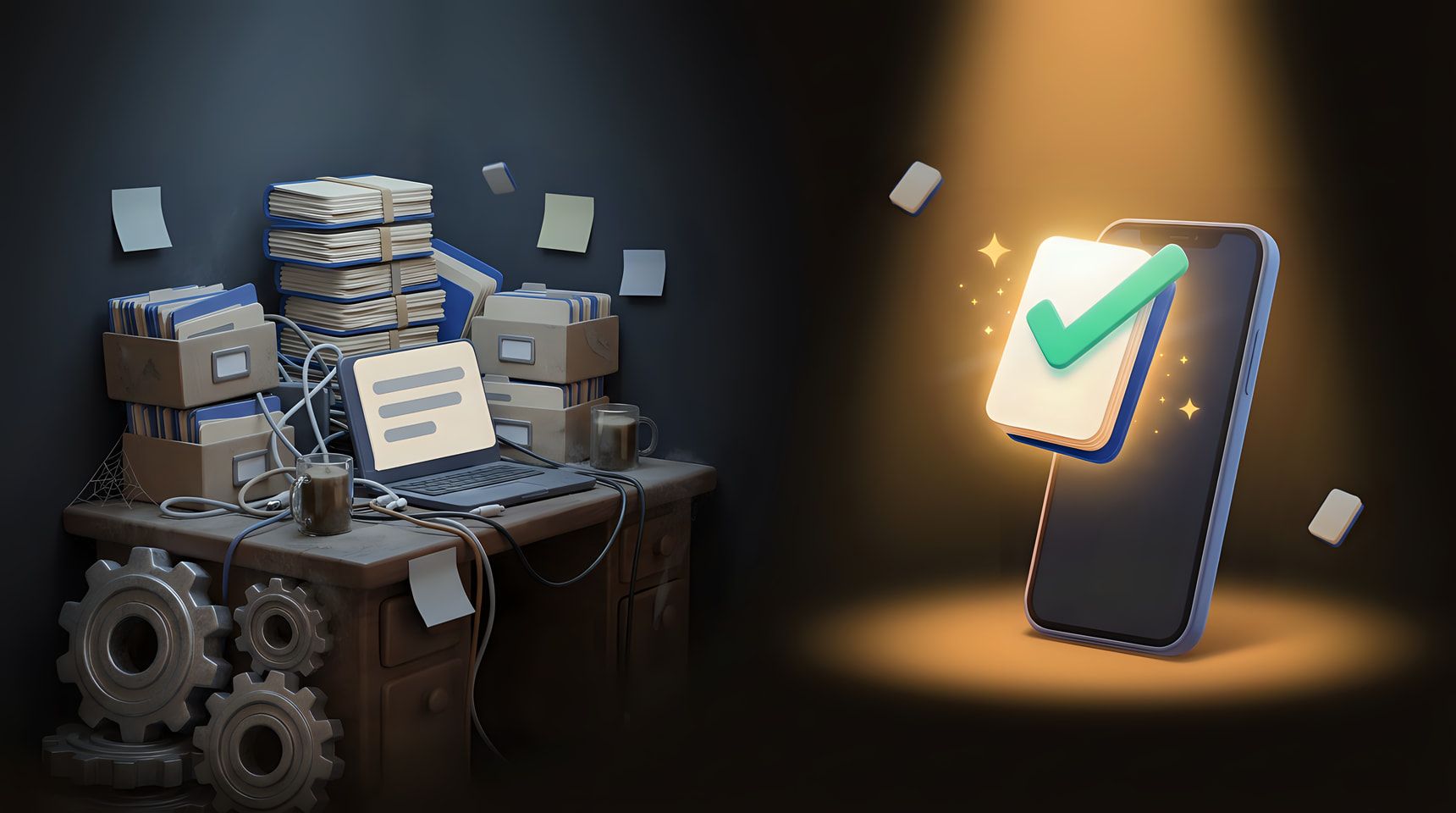
If you’re looking for an Anki alternative, you probably like the idea behind Anki and not the work that comes with it. Spaced repetition does what it promises: a card comes back right before you’d forget it, and the gap grows each time you remember. The work is everything around it: finding or building decks, typing the back of every card, choosing settings and, on an iPhone, paying for the app. This page compares Anki with PocketAnki for one job, learning the vocabulary of a foreign language, and says plainly where each one is the better tool.
Is Anki free on iPhone? What each app costs
Anki is free on computers (Windows, macOS and Linux), free on Android through AnkiDroid, and free on the web through AnkiWeb, which also syncs your cards between devices. The exception is AnkiMobile, the app for iPhone and iPad. On 28 October 2026 the US App Store listed it at $24.99, a one-time purchase with no subscription. The listing explains that sales of the app fund the development of both the computer and the mobile versions.
Outside the US the AnkiMobile price is usually higher. Mindomax, a competing flashcard app, checked 39 App Store storefronts on 8 September 2026 and found that 33 of them charged more than the US price, with a median of about $30.20. So the short answer to “is Anki free on iPhone” is no: the app costs money, although you can study in the browser on AnkiWeb for free.
PocketAnki costs nothing on any device. It’s a Telegram bot, so it runs wherever Telegram does, on a phone or a computer. There’s no paid plan and nothing to unlock. If you’d like to support the project, the /support command lets you send Telegram Stars, but every feature works without them.
How a card gets made
Say you’re learning German and a colleague mentions der Termin. Here the two apps take opposite routes.
In Anki you open the Add window, choose a note type and a deck, type der Termin on the front, look up the meaning and type it on the back. If you want an example sentence or a transcription, you find those too and paste them in. Many people skip the typing and download a shared deck instead. The Anki manual calls that the easiest way to get started, and also says shared decks work best as a supplement to what you learn elsewhere. A shared deck won’t contain the words from your own week, though.
In PocketAnki you send der Termin to the bot as a message. A few seconds later the card arrives with a translation into your language, a transcription and example sentences that use the word. If the card isn’t quite right, the 🪄 button makes a new version. The /format command decides how much goes on new cards: Short (the word, translation, transcription and one example), Standard, or Detailed, which adds grammar, collocations and usage notes. The card demo above shows real cards for English speakers learning German.
The bot also sorts out a few cases on its own. A word typed in your native language gets a card in the language you’re learning. Phrases and short sentences work too, up to 15 words. For anything that isn’t vocabulary, such as a date or a formula, /add_card lets you write both sides yourself.
FSRS in both: the scheduling side
If you’ve been reading about spaced repetition apps, you’ve probably met FSRS, the Free Spaced Repetition Scheduler. Anki added it in version 23.10, and its manual describes FSRS as an alternative to the legacy SM-2 algorithm. You enable it in the FSRS section at the bottom of the deck options page, and the switch applies to your whole collection. After that come the optional parts, such as the desired retention and parameters optimised from your own review history, which Anki users discuss at length.
PocketAnki uses FSRS from the first card, with no settings to touch. When a card comes back, the answer is hidden. You try to recall it, open it and tap one of four buttons: 🔁 Forgot, 😓 Hard to recall, ✅ Remember or ⭐ Easy, the same idea as Anki’s Again, Hard, Good and Easy. After you rate, the bot tells you when the card returns, for example “returns in 3 d”, and the next gap follows from your answers.
So if you’re after an FSRS app, both qualify. Anki gives you the controls and expects you to use them, while PocketAnki makes those choices for you. If you enjoy tuning a retention target, you’ll miss the controls. If you’d rather spend the time on words than on settings, you probably won’t.
A day of reviews in each app
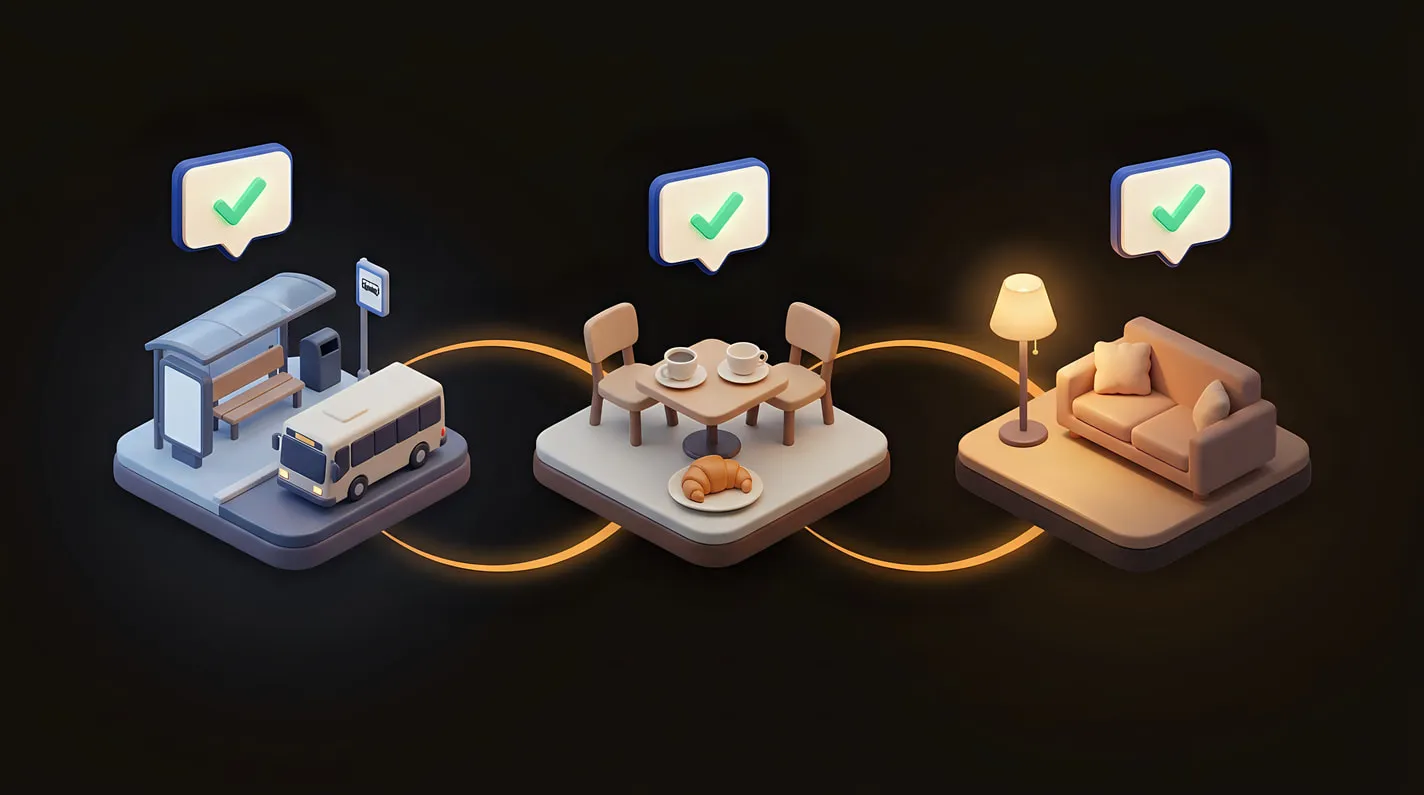
With Anki, studying is something you sit down to do. You open the app, see which decks have cards due and work through them until the counts reach zero. The phone apps can show a badge or a reminder, but the reviewing happens when you open the app. Skip a few days and the due cards are waiting when you come back.
With PocketAnki the cards come to you. A word you send comes back for its first review between about ten minutes and two hours later, as an ordinary Telegram message. After that, each card arrives when its schedule says it’s due, and cards due between 20:00 and 07:00 UTC come without sound. You answer them in a queue or while the kettle boils. If you’d rather do a batch, /practice pulls up to 15 of today’s cards right away.
The bot also paces what’s new. New cards are capped at 20 a day, while reviews of cards you’ve already rated are never held back, and neither are words you send yourself. A card left unanswered for 16 hours counts as Hard to recall and comes back later. If a long run of cards goes unanswered, the bot pauses your reviews and sends one message with a Resume button. When you come back, the waiting cards return about 20 a day, oldest first.
German learners get one extra: Daily Words, 5 words a day from a list of 600 for life in Germany, covering offices and documents, work, housing, money and health. It’s on automatically for new German and English learners, and /daily turns it off. Learners of other languages build their collection from the words they meet.
When Anki is still the right tool
Anki is a mature open-source program, and for some people no alternative comes close.
Stay with Anki if you study without an internet connection. AnkiMobile keeps your cards and media on the device, and syncing is optional. PocketAnki needs a connection, because the cards arrive as Telegram messages. Stay with it, too, if you rely on add-ons; they run on the computer version, and AnkiMobile’s listing says they aren’t supported there. Custom card templates, cloze cards, images and recorded sound on cards are Anki territory. PocketAnki cards are text, with a written transcription.
Anki is also the better choice outside PocketAnki’s 20 learning languages. If you’re learning Japanese, Chinese or Korean, or memorising anatomy or case law, use Anki. PocketAnki is built for language vocabulary only.
One more note, since it comes up in Anki discussions this year: in February 2026 Anki’s creator, Damien Elmes, announced on the Anki forums a gradual handover of the project’s business operations and open-source stewardship to AnkiHub, with provisions for Anki to stay open source. Nothing on this page depends on that change.
Trying PocketAnki as an Anki alternative
You don’t have to delete anything to try it. Keep your Anki decks for what they do well, and send PocketAnki the new words you meet this week.
- Open the bot in Telegram and press Start.
- Pick your native language (cards are translated into it), the language you’re learning and your goal.
- Send your first word. A demo card arrives as well and comes back in about ten minutes, so you see a review on day one.
If you’re learning English yourself, it works the same way, with translations into 26 native languages.
The home page shows how it works day to day as Anki in Telegram. If you’re also weighing a Quizlet alternative or other Telegram flashcard bots, those pages compare them in the same way, and all comparisons are listed together.
Choose Anki if…
- You study without an internet connection, on a plane or in the metro.
- You want add-ons, your own card templates, images on cards or shared decks.
- You learn Japanese, Chinese or Korean, or a subject that isn't a language, like medicine or law.
- You already have years of reviews in Anki and the routine works for you.
Choose PocketAnki if…
- You learn German, French, Italian or another of the 20 languages and want cards for the words you meet at work, in the shop or on screen.
- You're on iPhone and don't want to pay $24.99 before you know spaced repetition suits you.
- You've started Anki decks before and given up during setup.
- You'd rather answer a card in a chat than remember to open an app.
Questions and answers
Is there a free Anki alternative for iPhone?
Yes. PocketAnki runs inside Telegram, which is free on iPhone, and the bot has no paid plan. Anki's own iPhone app, AnkiMobile, cost $24.99 as a one-time purchase in the US App Store on 28 October 2026.
Is Anki free on iPhone?
Not the app. Anki is free on computers, AnkiDroid is free on Android and AnkiWeb is free in the browser, but AnkiMobile for iPhone and iPad is paid: $24.99 once in the US, and usually more in other countries. You can study in the browser on AnkiWeb for free.
Does PocketAnki use FSRS like Anki?
Yes. Every review is scheduled with FSRS, the algorithm Anki added in version 23.10. In Anki you turn it on in the deck options. In PocketAnki it's on from the first card, and there's nothing to configure.
What's on a PocketAnki card?
The word, a translation into your native language, a transcription and example sentences. The /format command switches between Short, Standard and Detailed cards; Detailed adds grammar, collocations and usage notes.
Which languages can I learn with PocketAnki?
20: English, German, Polish, French, Spanish, Italian, Portuguese, Dutch, Swedish, Greek, Czech, Romanian, Hungarian, Lithuanian, Latvian, Finnish, Estonian, Norwegian, Turkish and Ukrainian, with translations into 26 native languages. Japanese, Chinese and Korean aren't on the list, so Anki is the better tool for those.
Is PocketAnki made by the Anki team?
No. PocketAnki is an independent project made by one person, Alex, and it isn't affiliated with Anki. It uses the same idea, spaced repetition flashcards, inside Telegram.

Send the bot your first word
Press the button and send any word you came across today. The bot makes the card and brings it back when it’s time to review.
Start in TelegramSources
- AnkiMobile Flashcards, US App Store listing, accessed 28 October 2026
- Anki Manual: Deck Options (FSRS), accessed 28 October 2026
- Anki download page, accessed 28 October 2026
- Anki Manual: Getting Started (shared decks), accessed 28 October 2026
- Anki Manual: Syncing with AnkiWeb, accessed 28 October 2026
- Mindomax: Is Anki free? (AnkiMobile prices in 39 storefronts, checked 2026-09-08), accessed 28 October 2026
- Anki Forums: Anki's Growing Up (2 February 2026), accessed 28 October 2026